Capture the right source
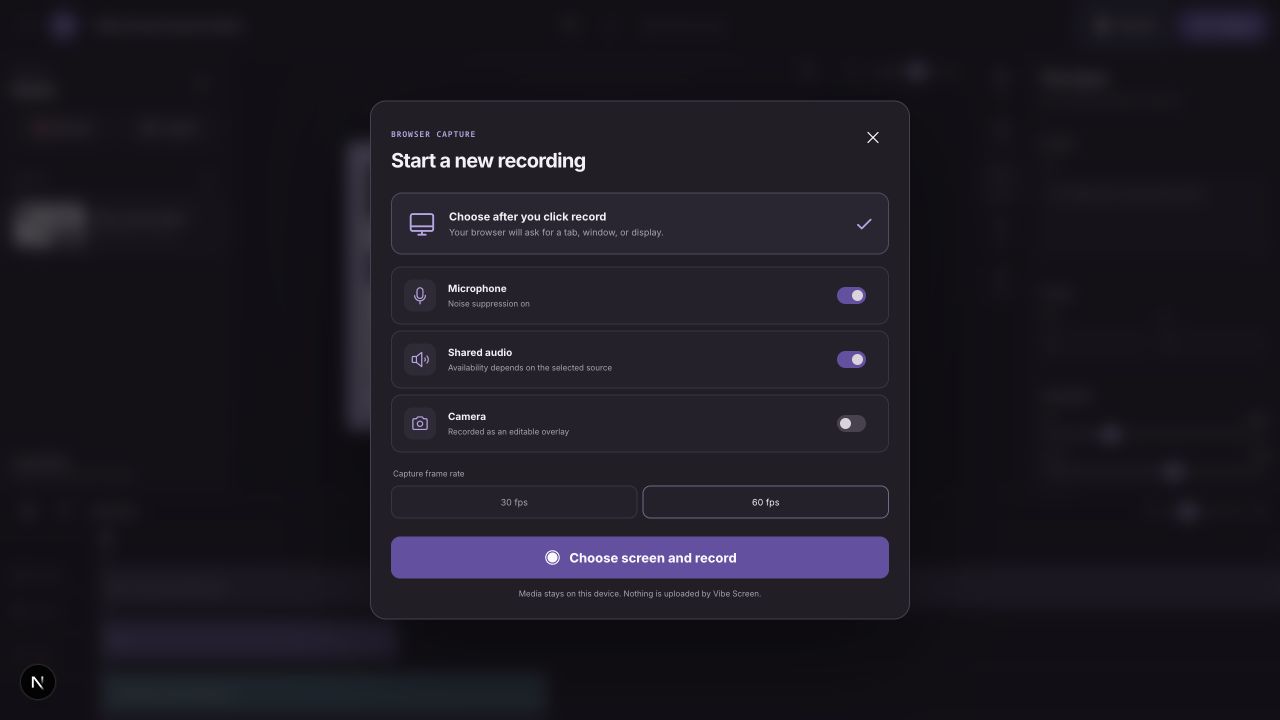
Choose a tab, window, or display. Add microphone, shared audio, and a separately editable camera layer.
Capture crisp demos, shape every frame, and export polished video directly in your browser.
Checking this browser...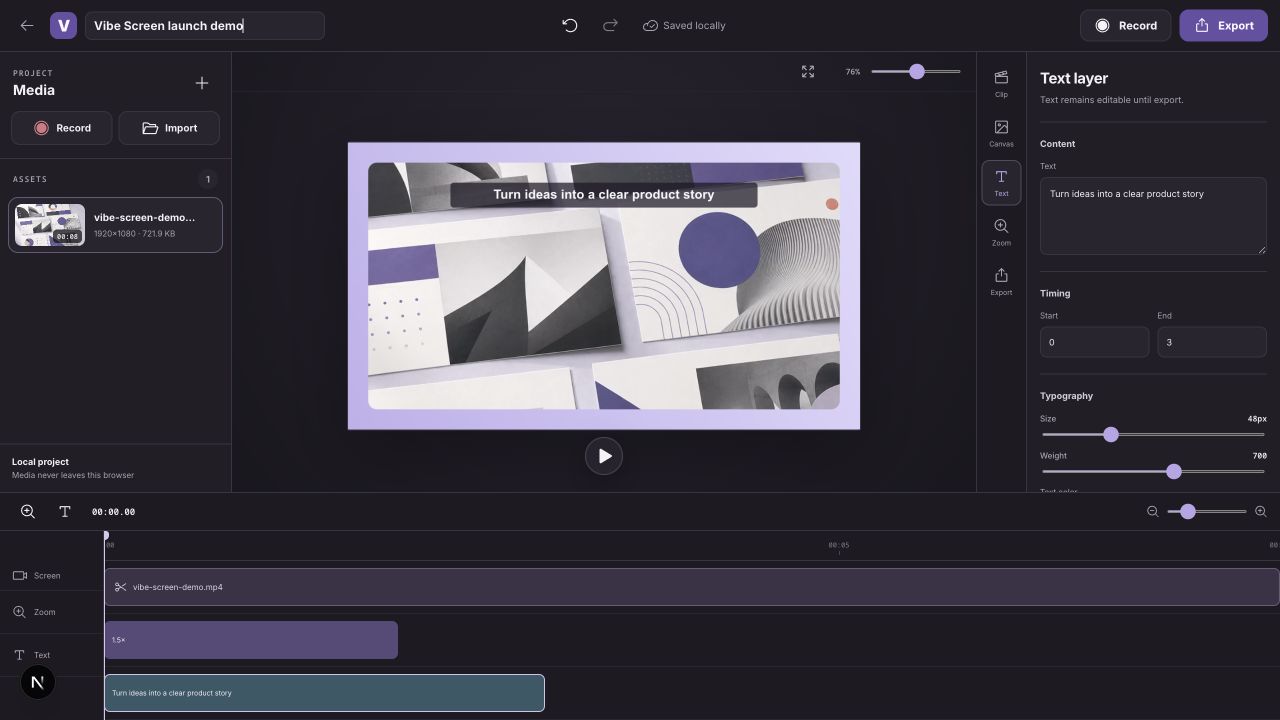
A focused workflow for product demos, tutorials, and walkthroughs.
Choose a tab, window, or display. Add microphone, shared audio, and a separately editable camera layer.
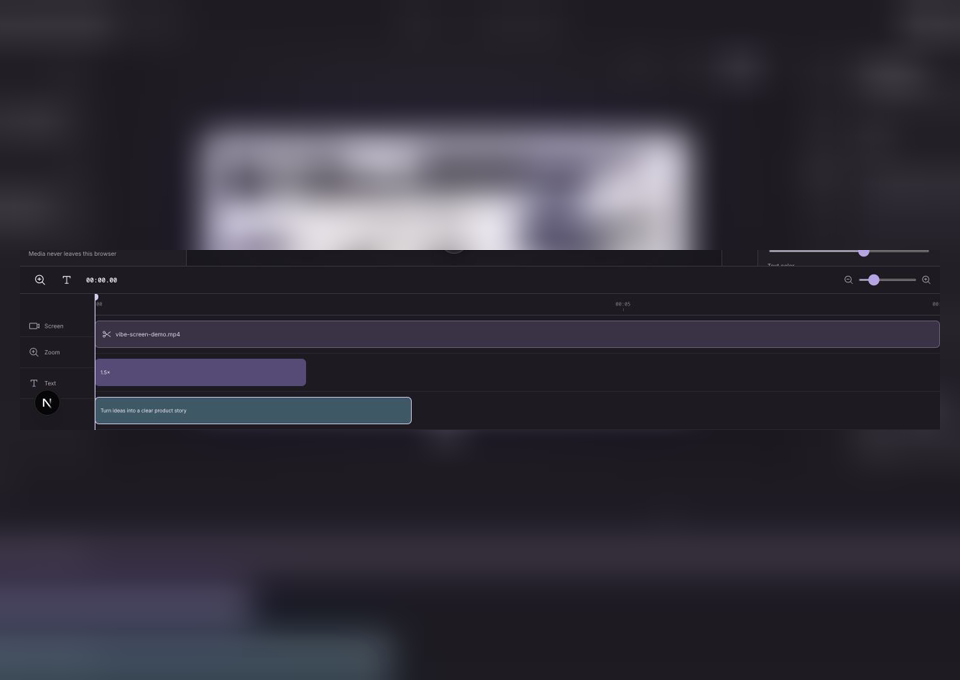
Trim the clip, place focus zooms, add text callouts, and adjust the frame in a compact timeline.
Render the final composition locally at 30 or 60 fps with resolution and bitrate controls.
The first release keeps the core small, fast, and dependable.
Aspect ratios, padding, radii, shadows, backgrounds, and synchronized camera overlays.
Place zoom regions with adjustable scale and focal point, then preview them before export.
Draft metadata and source blobs persist in IndexedDB. Nothing is sent to a Vibe Screen server.
Choose source, 1080p, 1440p, or 4K output with explicit frame rate and bitrate.
Recording, project storage, preview, and export run locally. Vibe Screen does not need an account to make a video.
Open the studio, choose your screen, and keep the edit moving.